Turn any photo into a
perfect stencil in 30 seconds
The tattoo stencil maker that replaces hours of tracing in Procreate.
Clean, tattoo-ready lines that transfer perfectly, every time.
5,000+
Artists Worldwide
210K+
Stencils Created
4.7★
App Store Rating
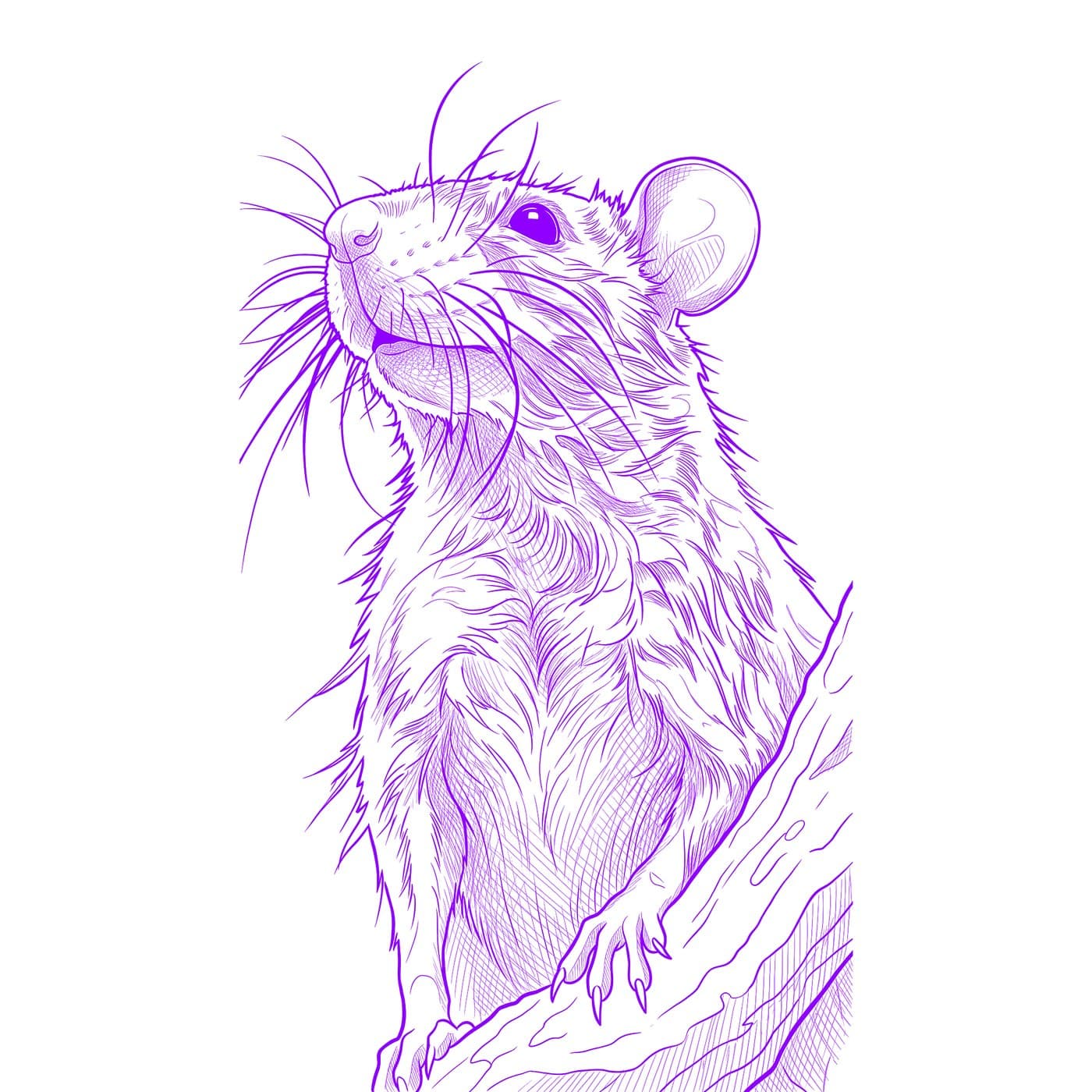
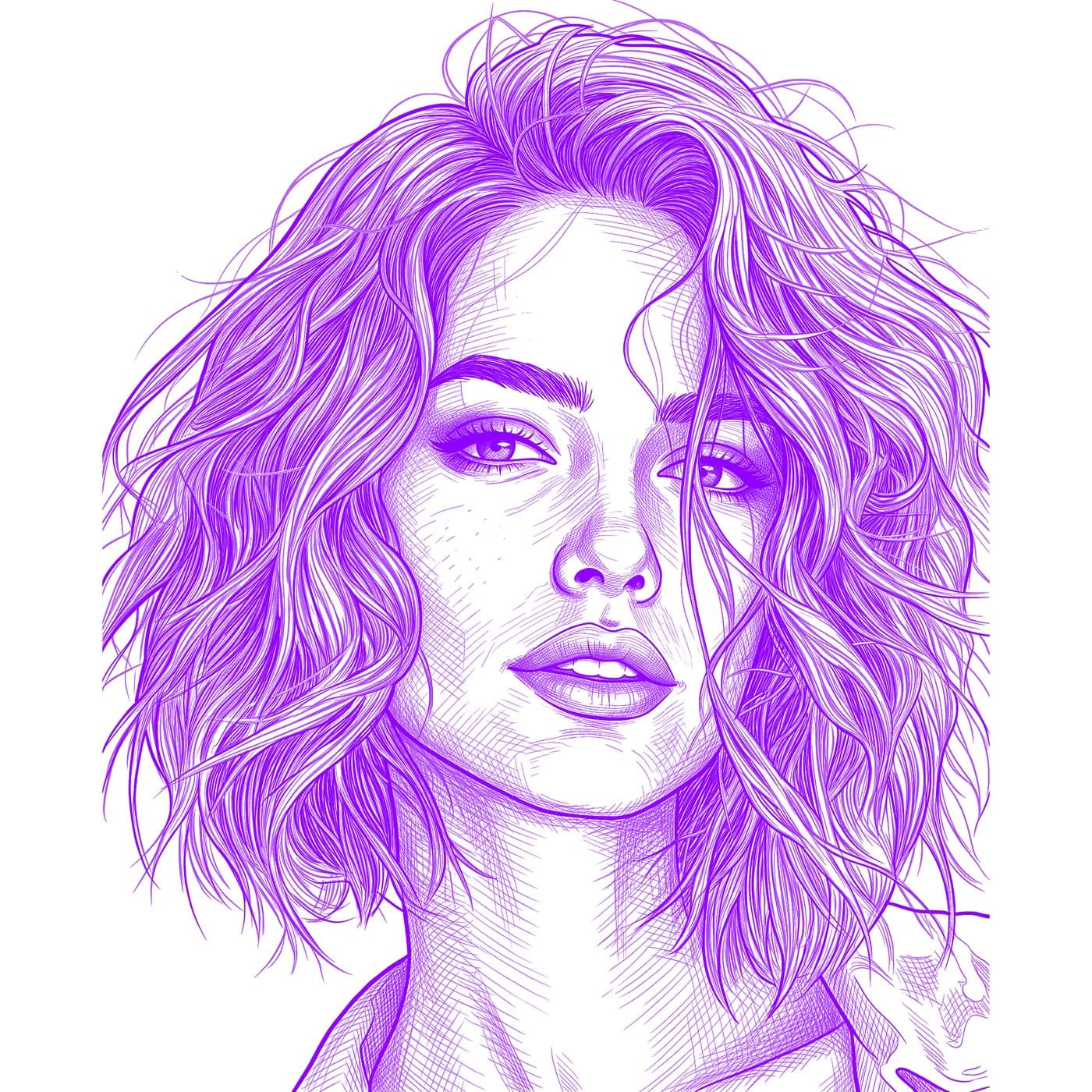
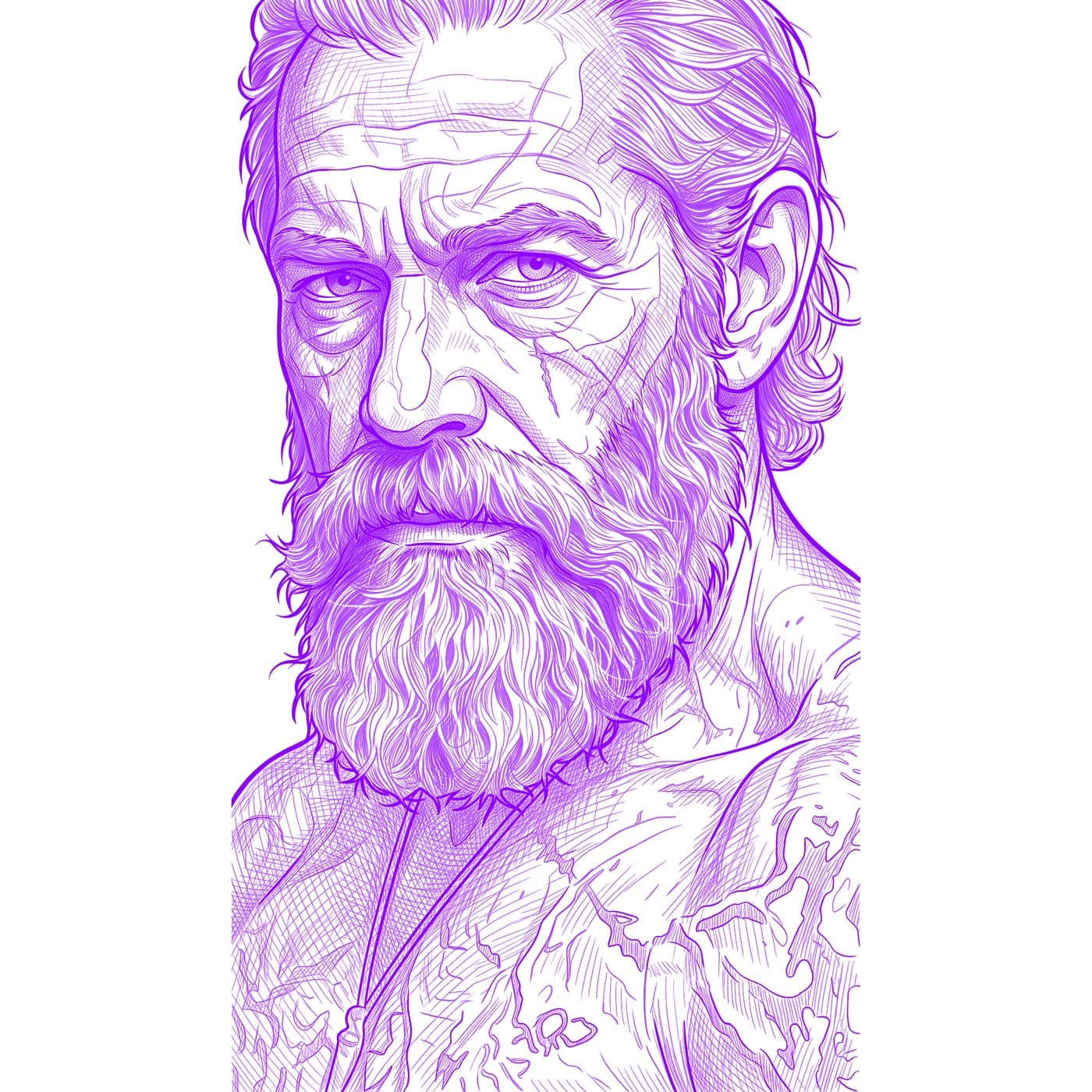
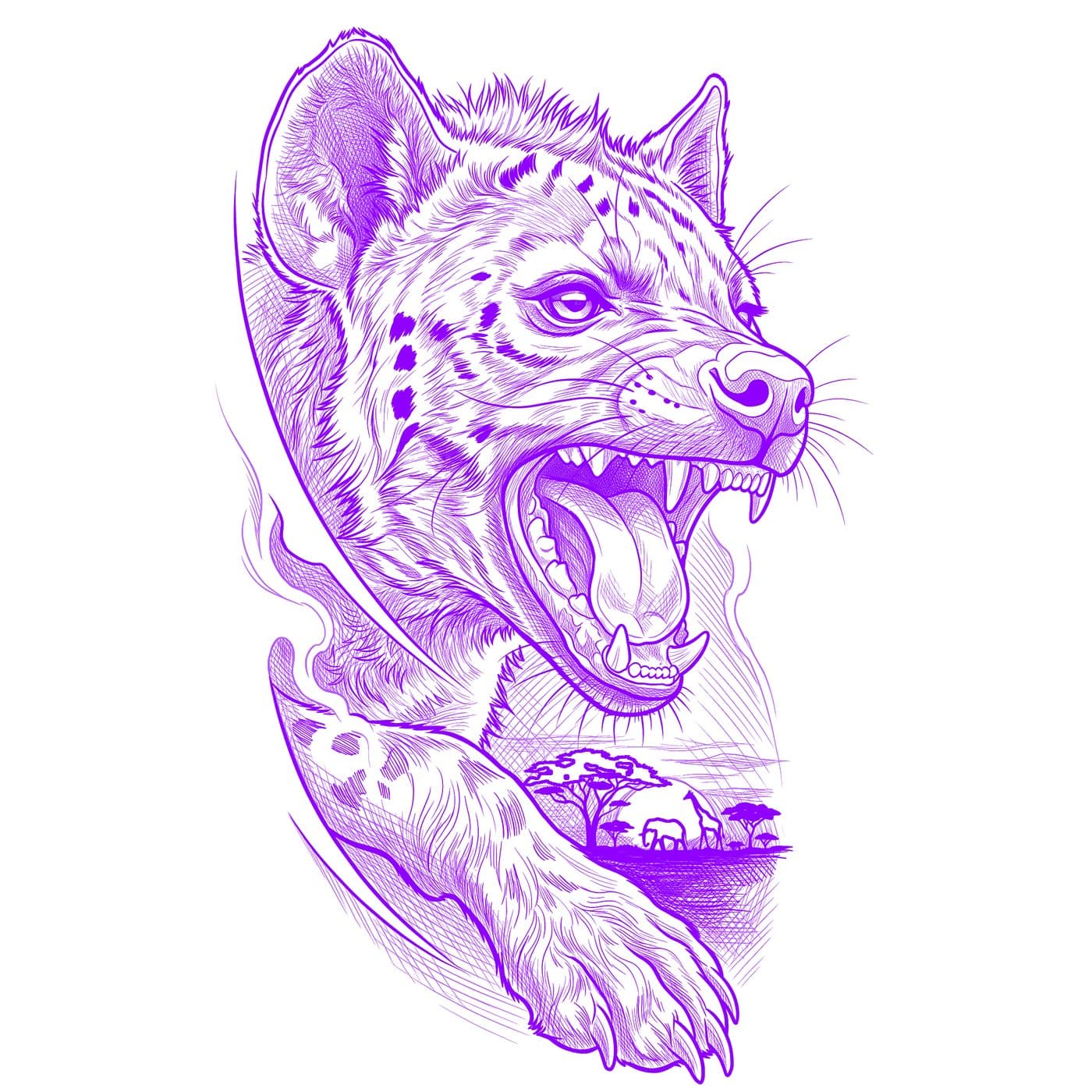
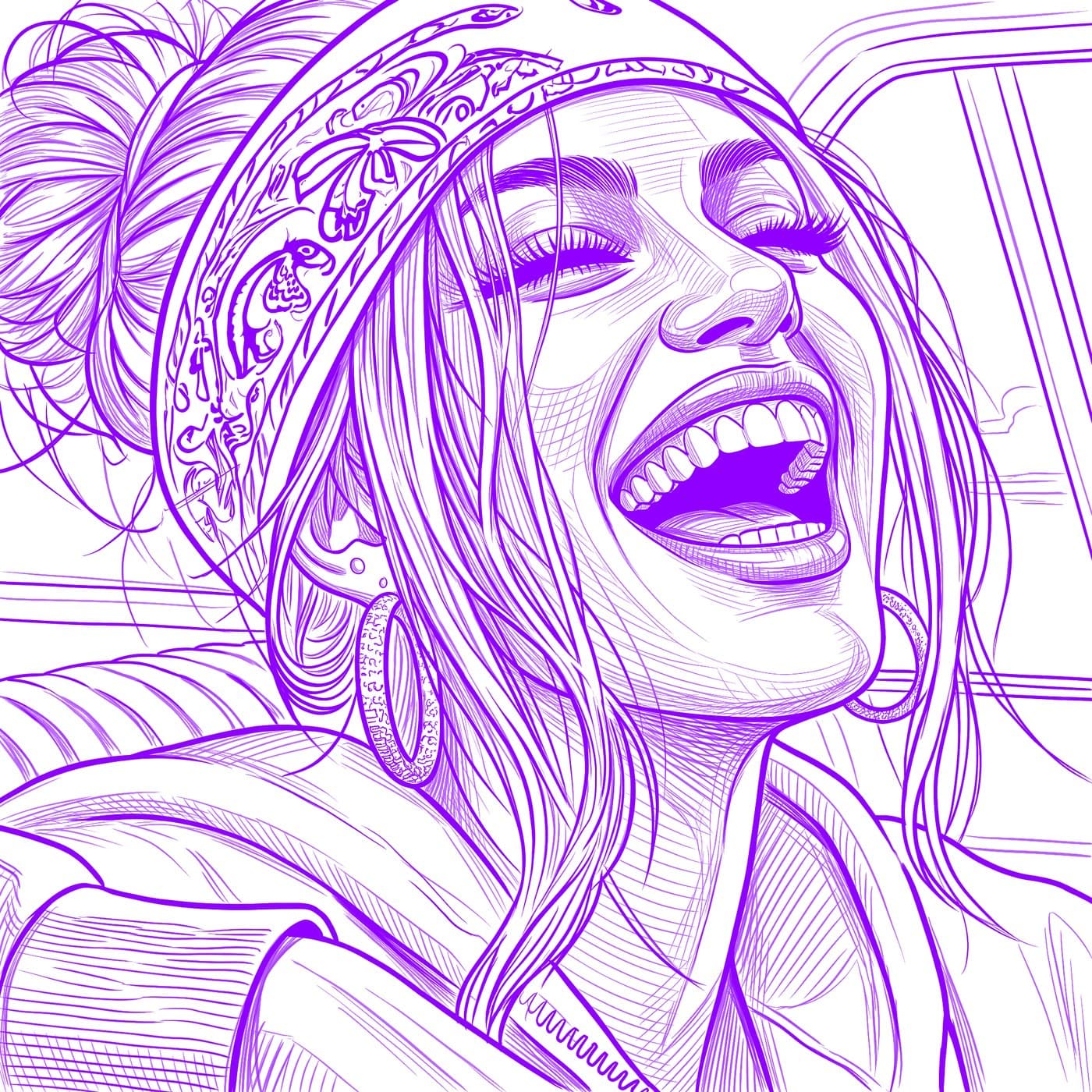
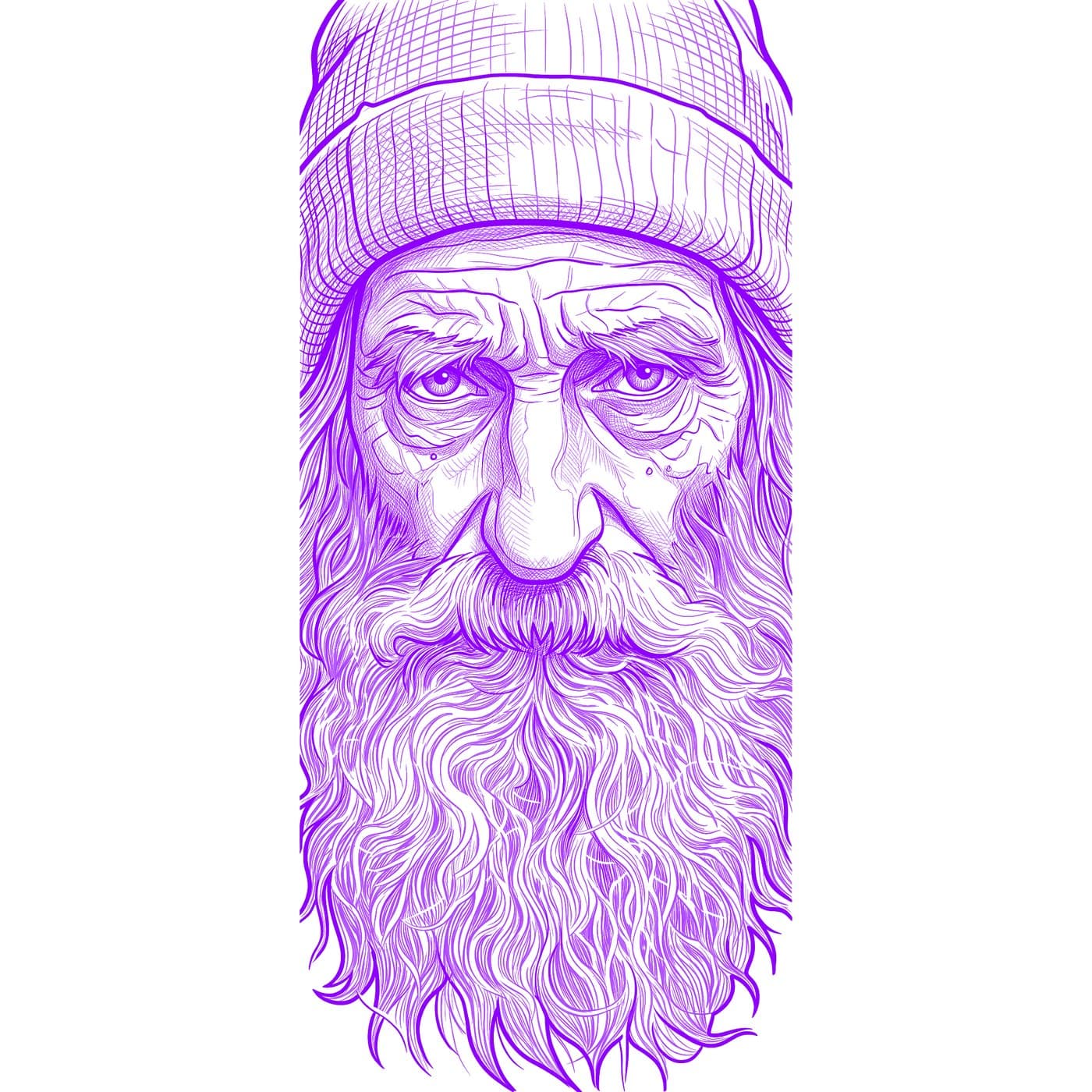
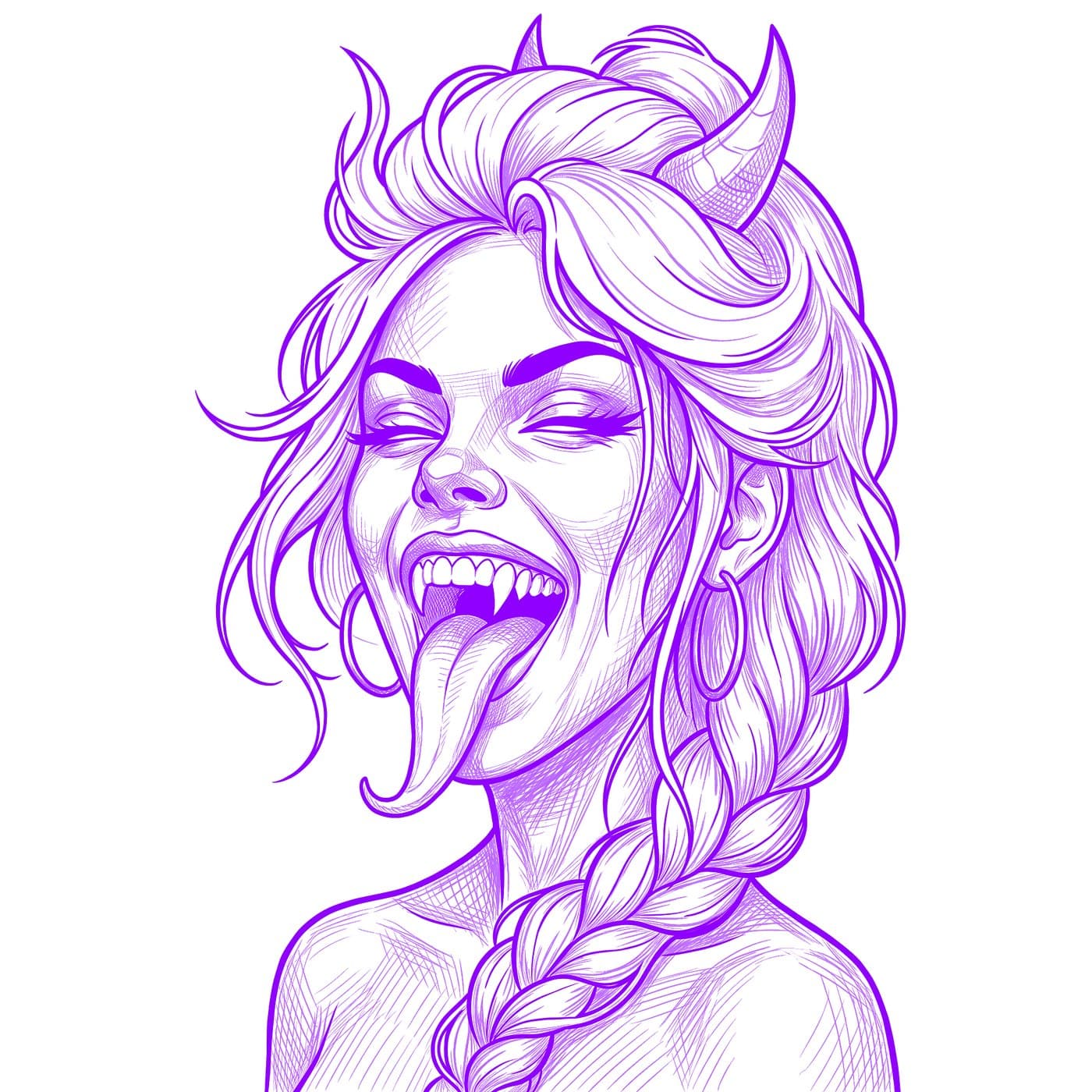
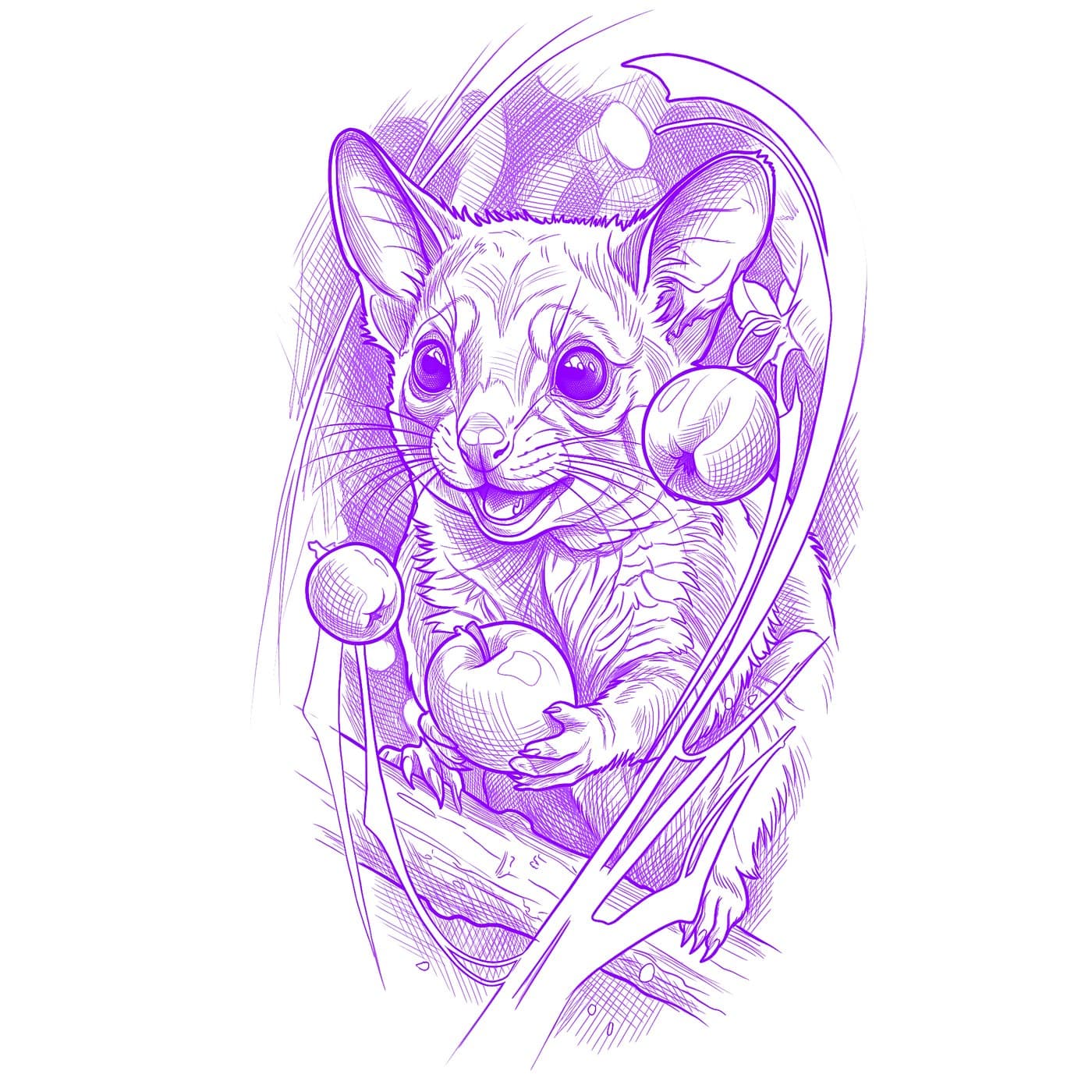
How It Works
Transform any image into a professional tattoo stencil in seconds
1
Upload
Upload any reference—portraits, animals, nature, or custom artwork.
2
Choose Your Style
Select the preferred look for your stencil—from clean outlines to detailed hatching.
3
Print Your Stencil
Download a high-res file optimized for professional stencil results.
Perfect it. Print it. Tattoo it.
Generating the stencil is just the start — fine-tune every line, print it true to size, and keep it at the chair while you work.
Tattoo Mode — your reference at the chair
- The screen stays awake for the whole session
- Flip between stencil, photo and overlay with a hold and swipe — one-handed
- Brightness, contrast and filters per layer, remembered for every stencil
- Zoom deep into fine detail while you work
Fine-tune with the Retouch editor
- Draw, erase, lighten and darken with pressure-sensitive brushes — Apple Pencil supported
- Remove unwanted fill areas with a tap while your outlines stay protected
- Shape the overall look with simple tone curves
- Never lose your work — unsaved edits can be recovered
Print true to size, on any printer
- AirPrint at exact real-world size — the design transfers exactly as planned
- Or share a print-ready PDF or JPG with selectable paper sizes
See Your Stencil Come to Life
Professional quality stencils that artists trust
Swipe to explore
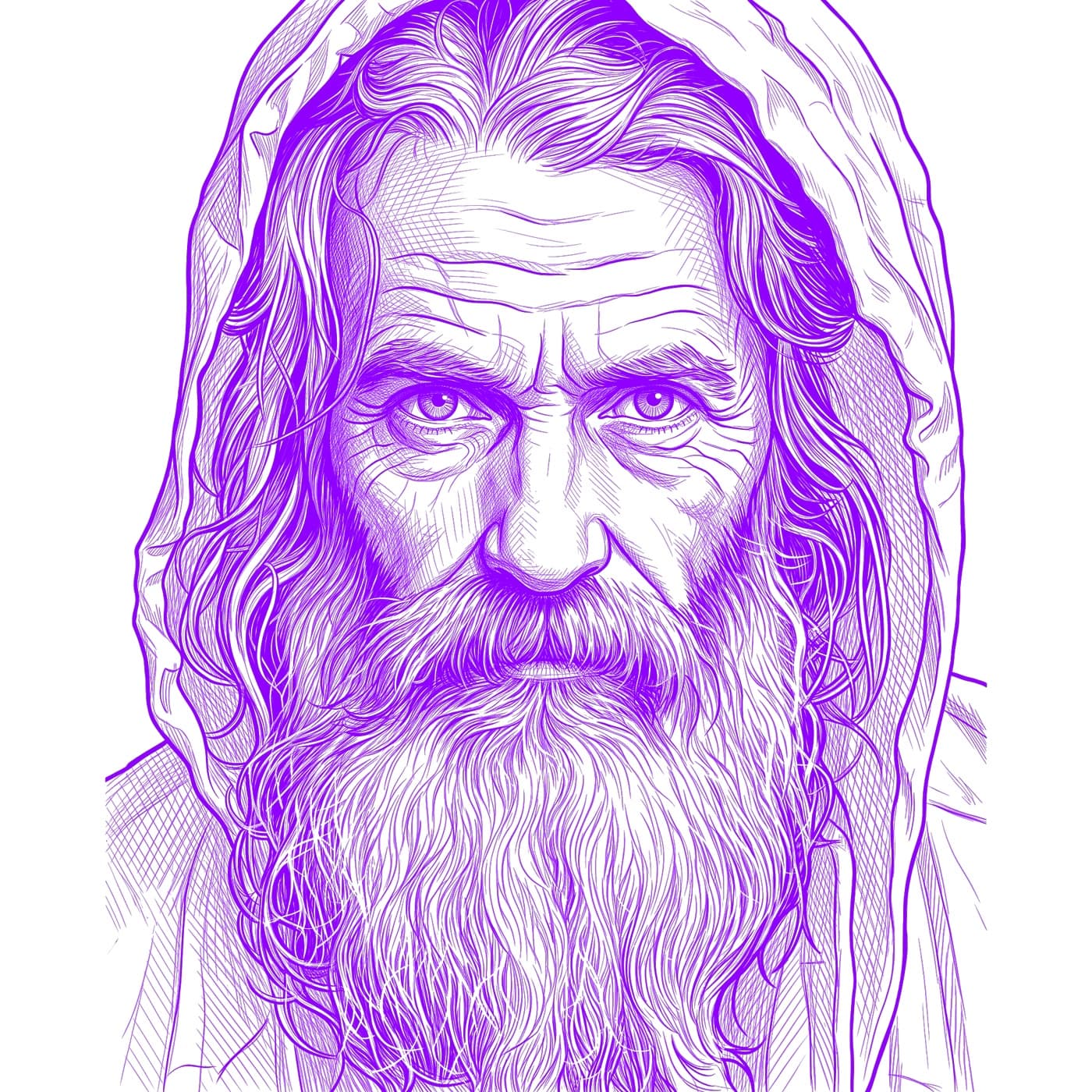
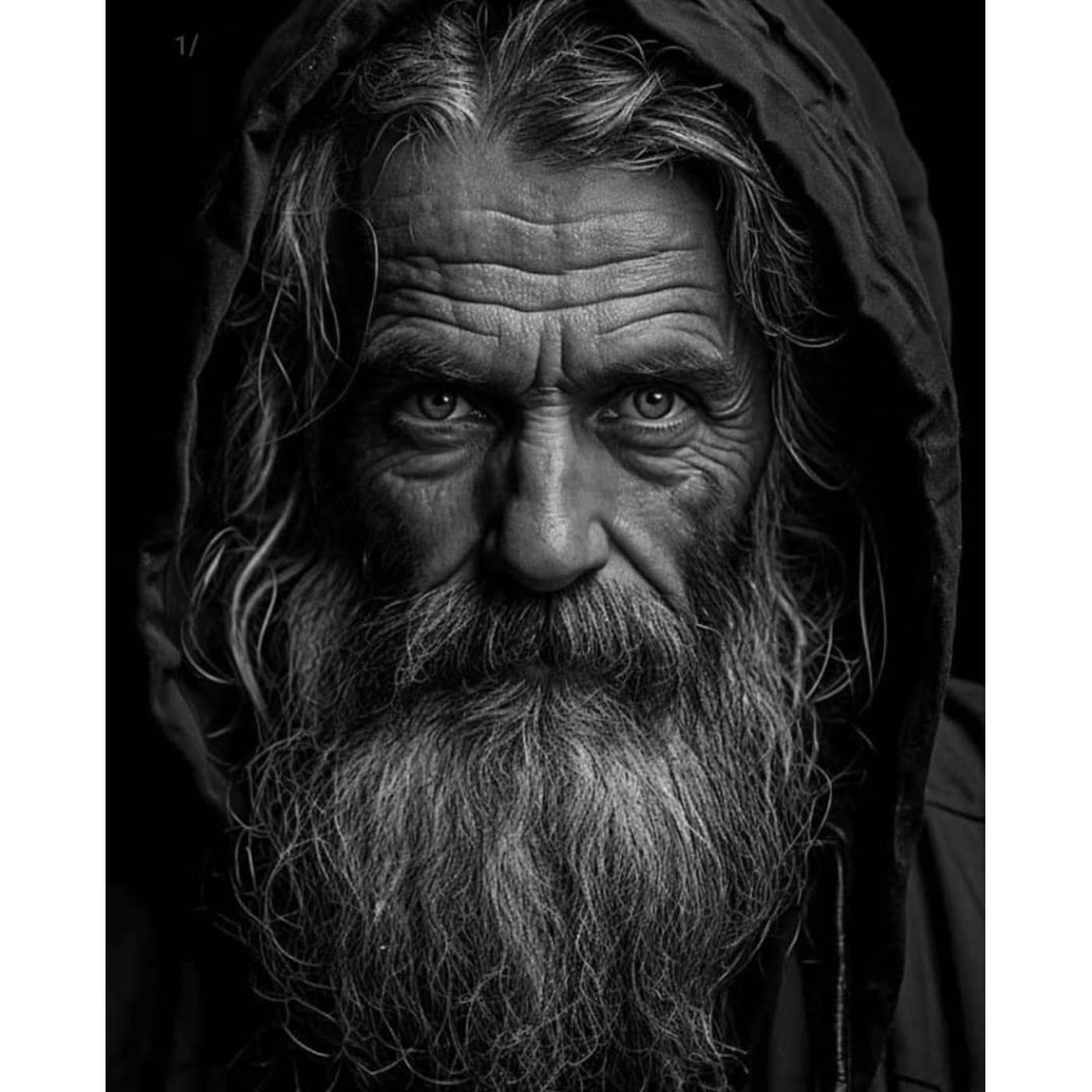
Realism
Photorealistic details transformed into stunning stencil artwork


5,000+
Happy Artists
210K+
Stencils Created
4.7/5
Average Rating
Simple, transparent pricing
Choose the plan that fits your needs. Upgrade or downgrade at any time.
Hobby
For hobbyists / testing
$14.00/month
$0.7 per stencil
Get 2 months free
Billed as one payment of $140/year
20 stencil credits/month
Outline & Standard stencil styles only
Recolor stencil
Transparent background
Standard processing
Email support
Priority queue
Hatching style
4K upscale
Most Popular
Pro
Single professional artist
$29.00/month
$0.29 per stencil
Get 2 months free
Billed as one payment of $290/year
100 stencil credits/month
4K upscale included
All stencil styles (Outline, Standard, Hatching)
Retouch Studio — edit stencils in-app
Print true to size from the app
Tattoo Mode — fullscreen session viewer
Recolor stencil
Transparent background
Priority queue
Early access to new features
Priority support
Team dashboard
Studio
Multi-artist shops
$69.00/month
$0.29 per stencil
Get 2 months free
Billed as one payment of $690/year
2 artists
Base (2) + 0 additional
120 stencil credits/month per artist
All Pro features
Fastest turnaround
Priority rendering
Seat-based billing
Team dashboard
Manage artists' access
+$25 per additional artist
* Cancel anytime.
Loved by tattoo artists
4.7 on the App Store
“Saves me SO much time tracing out designs. The stencils come out exactly how I'd picture them if I'd done it myself.”
Trickkem12United States
“Brilliant bit of kit. The stencils are perfect, love it — saves me so many hours. Thank you!”
8thrabbitUnited Kingdom
How to Get Best Results
Follow these simple guidelines for perfect stencils every time
Swipe to explore
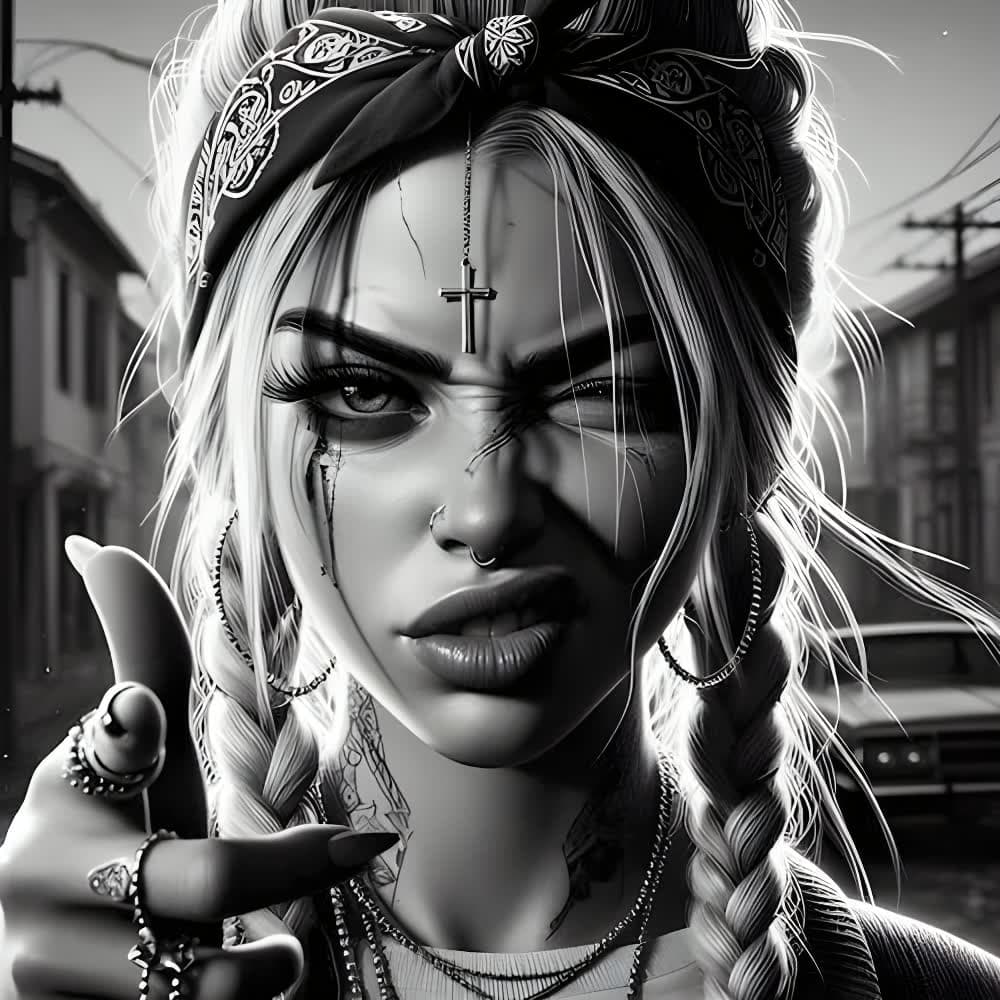
DO
- •High-resolution designs
- •Clear, sharp images
DON'T
- •Low-resolution designs
- •Blurry images
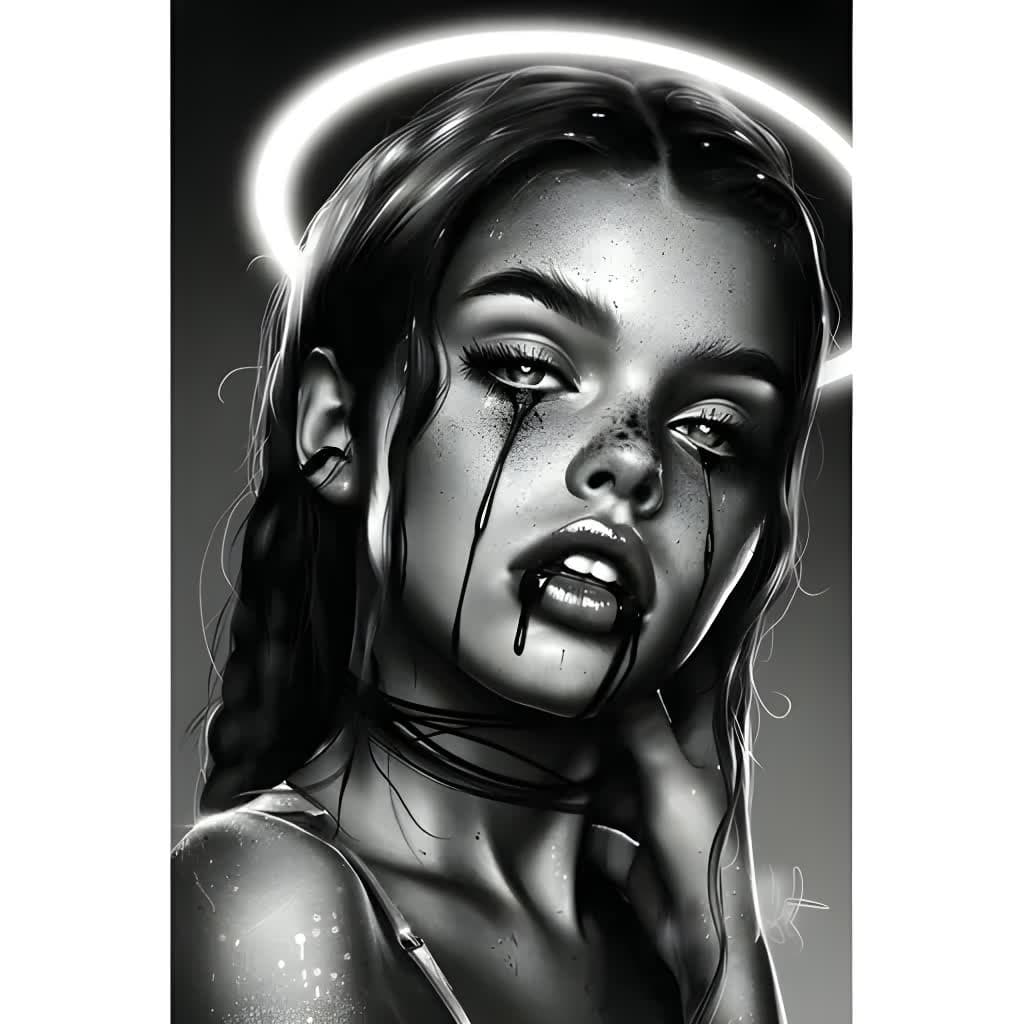
DO
- •Good contrast

DON'T
- •Low contrast images

DO
- •Tightly cropped subjects
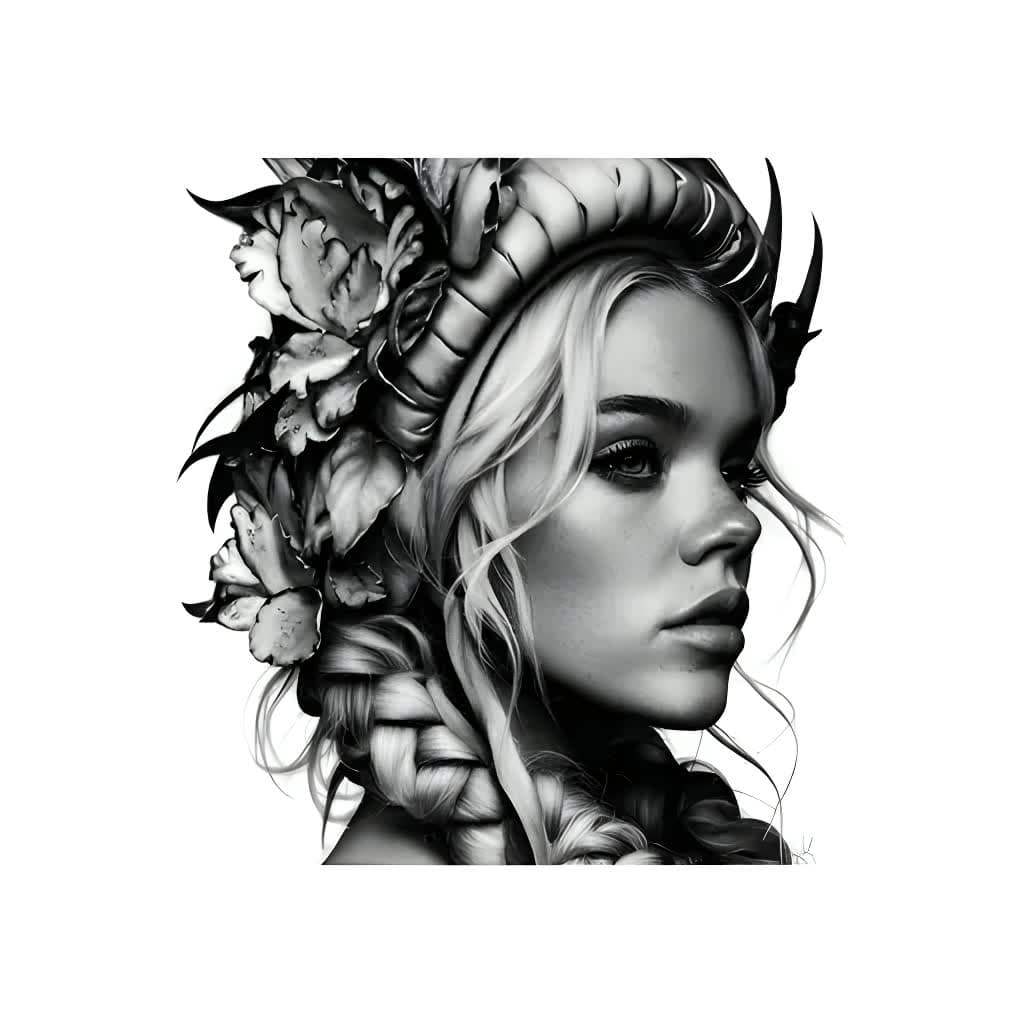
DON'T
- •Excessive empty space
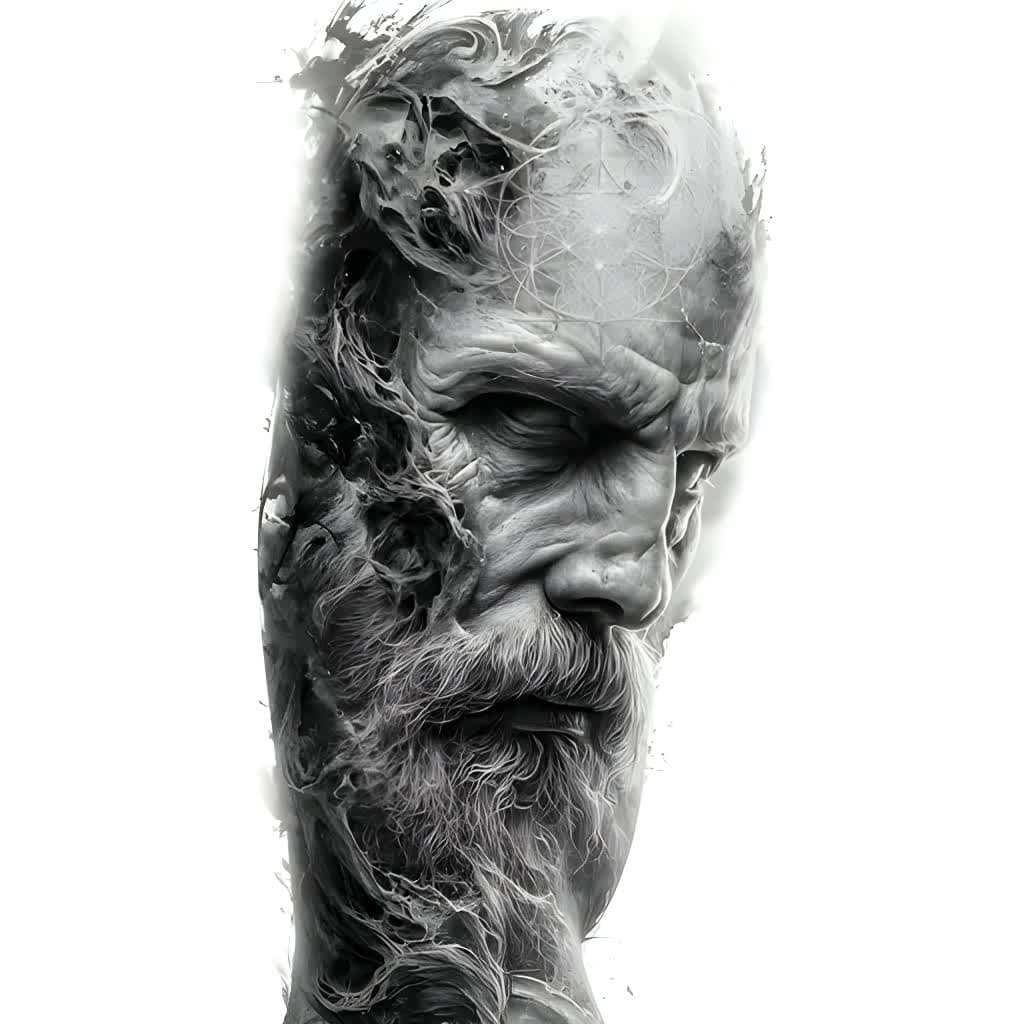
DO
- •Each part of the design clearly visible
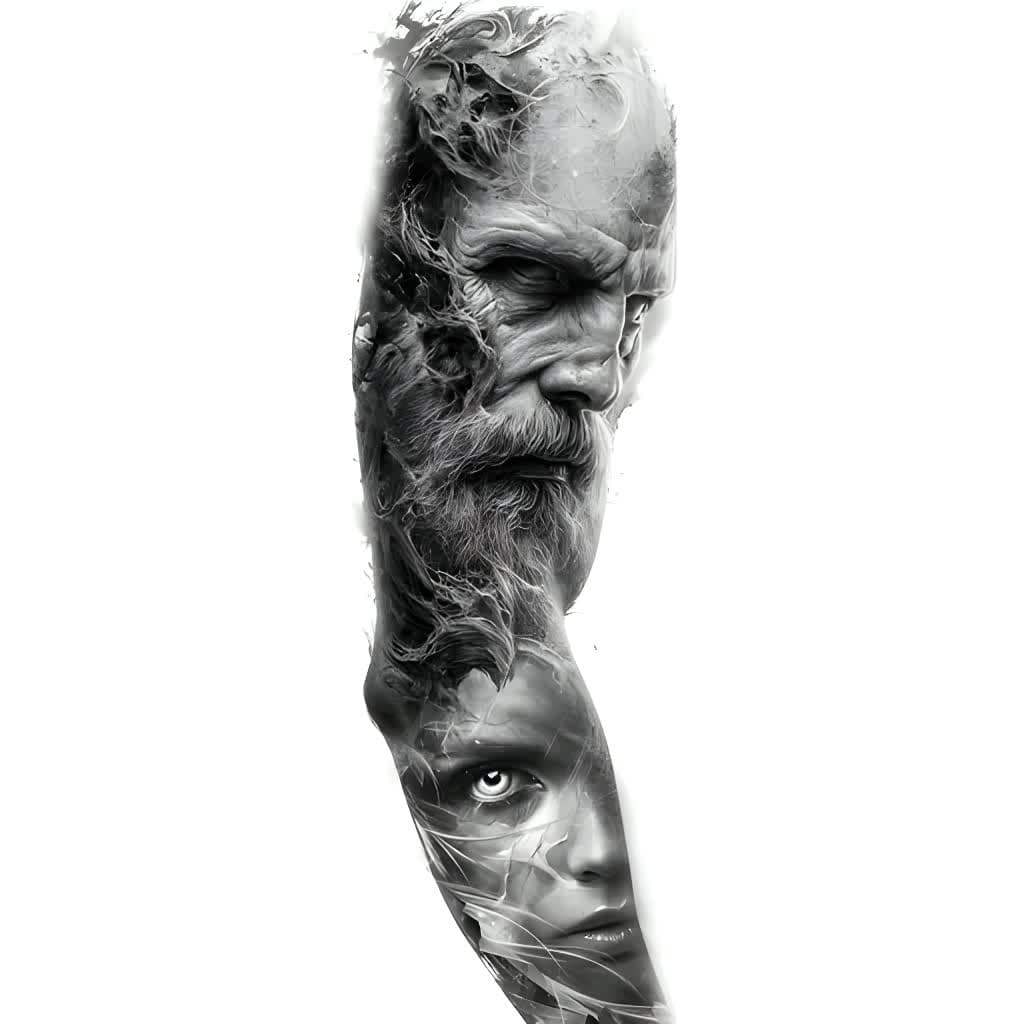
DON'T
- •Whole sleeve design
Meet the Team
A passionate team dedicated to empowering artists with cutting-edge AI technology
David Turkovič
CO-FOUNDER & LEAD ARTIST
Driven by a passion to craft exceptional tattoos that inspire artists and clients alike.
Follow
Simon Turkovič
CO-FOUNDER & LEAD PROGRAMMER
Passionate about building innovative tools that help artists create their best tattoos.
Follow
Robert Turkovič
SENIOR ARTIST ADVISOR
Award-winning artist and judge with three decades of expertise, defining Stencil AI's quality standards.
FollowAvailable on Mobile
Create stencils anywhere — retouch with pressure-sensitive brushes (Apple Pencil supported), then print true to size via AirPrint or any thermal stencil printer. Download on iOS and Android.
Frequently asked questions
Everything you need to know about our AI stencil generator
Our advanced AI algorithms analyze your uploaded image and convert it into a high-quality tattoo stencil by enhancing contrast, removing backgrounds, and creating clean line art. The process takes between 30-60 seconds depending on the stencil style and maintains all important details while optimizing for tattoo application.
We support all major image formats including JPG, PNG, and WEBP. Our AI can process images up to 10MB in size and automatically optimizes them for the best stencil conversion results.
Exports are optimized for crisp, clean prints — 1024×1024 for 'Outline' stencil style, 2048×2048 for 'Standard' and 'Hatching' stencil styles, and upscalable to 4K.
Yes! New users can purchase a one-time starter pack of 5 credits for just $0.99. This lets you test all stencil styles and see the quality for yourself before committing to a subscription. The credits never expire, so you can use them at your own pace. After that, you can subscribe to a plan for ongoing access and monthly credits.
Stencil AI isn't free, but you don't need a subscription to start — new users get a one-time starter pack of 5 credits for $0.99 to try every stencil style. Credits never expire.
Many professional tattoo artists use Stencil AI — it turns any reference photo into a clean, tattoo-ready stencil in 30-60 seconds, with three stencil styles (Outline, Standard, Hatching), a built-in retouch editor, and true-to-size printing. Available on the web, iOS, and Android with full commercial licensing on all plans.
Upload your photo to Stencil AI, pick a stencil style, and the AI converts it into clean line art in about a minute. You can then retouch it in the app, choose an ink color, and print it true to size or export a high-res PDF, JPG, or PNG.
Any printer works. Print directly via AirPrint at exact real-world size, or export a print-ready PDF/JPG and print from any device. For skin-ready transfers use the matching supplies: thermal stencil printers (Phomemo, OZER, Brother, and similar) print onto thermal transfer paper — with a dedicated thermal mode that optimizes tones — while inkjet printers like the Epson EcoTank use inkjet stencil ink with inkjet stencil transfer paper.
Yes. A regular inkjet printer works with the right supplies: load an Epson EcoTank (or similar refillable inkjet) with inkjet stencil ink, print onto inkjet stencil transfer paper, and you get crisp, skin-ready transfers — one bottle of stencil ink prints thousands of stencils. Export from Stencil AI as PDF or JPG and print at true size.
Yes — the built-in Retouch editor (iOS/Android app) lets you draw, erase, lighten and darken with pressure-sensitive brushes, remove unwanted fill areas with a tap, and fine-tune tones with curves before printing or exporting.
Yes — match the supplies to your printer: thermal stencil printers print onto thermal transfer paper, and inkjet printers (like the Epson EcoTank) need inkjet stencil ink plus inkjet stencil transfer paper. Stencil AI prints true to size either way, so your design transfers at exactly the size you planned.
Yes! All paid plans include full commercial licensing, allowing you to use generated stencils for client work and commercial purposes.
Subscription management is split between our app and the Polar customer portal. For upgrades and downgrades, use our app's Settings page where you can directly change your plan. For cancellations, payment method updates, and other billing details, go to Settings > Billing > Subscription Management to access the Polar customer portal.
Invoices can be viewed and generated in Settings > Billing > Billing History & Invoices or through the customer portal.
When canceling, there are no fees, and you'll retain access until the end of your current billing period. Upgrades take effect immediately with prorated charges, while downgrades are scheduled for the end of your current billing period.
Yes! Active Pro plan subscribers and Studio members can purchase additional credit packs when running low on credits. The option to top up appears in Settings > Billing when your remaining credits drop below 10.
Purchased credits never expire and are used after your monthly subscription credits. This feature is available to engaged Pro and Studio users who regularly use the service and occasionally need a few extra credits to complete their work.
No, subscription credits reset at the start of each billing period and do not roll over. Any unused credits from your current billing cycle will expire when your subscription renews. This applies to all subscription plans (Hobby, Pro, and Studio).
If you need more flexibility, Pro and Studio plan users can purchase additional credit packs — these purchased credits never expire and are used after your monthly subscription credits are depleted.
We offer a 30-day money-back guarantee on all paid plans. If you're not completely satisfied with the stencil quality, contact our support team for a full refund. Most issues can be resolved by adjusting the processing settings.
Absolutely. All uploads are encrypted, processed securely in the cloud, and automatically deleted after 365 days. We never share, sell, or use your images for any purpose other than generating your stencils. GDPR and CCPA compliant.
You can delete your account from Settings > Profile > Show advanced options > Delete Account.
Deleting your account will permanently remove all your data including profile information, saved stencils, and preferences. Your active subscription will be cancelled immediately with no refund for the current period.
If you're a member of a studio, you'll be automatically removed. If you're a studio owner, your studio will be automatically deleted and all members will lose access.
Yes! Our AI offers 3 stencil styles — 'Outline', 'Standard', and 'Hatching' — so you can choose the right balance between simplicity and precision for your tattoo design.
Processing typically takes between 30-60 seconds per image, depending on the stencil style selected.
Our AI works with portraits, animals, objects, colorful artwork, and more. Hyperrealistic images are fully supported on both 'Standard' and 'Hatching' stencil styles for precise results.
Please note that images may sometimes fail to generate a stencil on any style due to safety/content filters. No stencil credit will be consumed if a conversion fails because of safety filters!
For the best results, use high-quality, well-lit images that focus on the main subject. Use original or public-domain content — copyrighted characters, fictional characters, celebrities, or images from movies will not work. This is to respect copyright laws and ensure all generated stencils are safe for commercial use.
Our web-based tool works on any modern browser, including Chrome, Firefox, Safari, and Edge, across desktop, laptop, tablet, and mobile devices.
For the cleanest stencils, use high-quality, well-lit images that are nicely cropped to focus on the main subject. High-contrast images work best.
If you're generating large designs, like full sleeves, avoid using the 'Standard' or 'Hatching' stencil style for the entire piece, as small details may not translate well at the current resolution. Instead, generate each motif separately for the best results.
You can also experiment with our 3 stencil styles to find the style that works best for your tattoo design.
Images that feature copyrighted or fictional characters, celebrities, or content from movies are not supported. These restrictions help ensure fair use, respect copyright laws, and maintain safety and quality standards. If a conversion fails because of safety filters, no stencil credit will be consumed.
With a Studio plan, stencil credits are assigned per artist rather than to your main account. These credits are distributed through the studio, where managers can allocate them to artists.
Each artist you invite receives their own monthly stencil credit allocation based on your plan. For example, the Studio plan includes 120 stencil credits per artist and you have 3 active artists, each artist will have 120 stencil credits to use independently.
Pending invitations are shown separately, and their credits become active once the invitation is accepted. The studio owner can view all artists' usage in the My Studio dashboard.
Only the Studio owner (the account that purchased the Studio plan) can fully manage the studio. The owner can invite or remove artists, view usage statistics, update the studio name, and access billing settings.
Regular artists can use their allocated stencil credits to generate stencils and view the studio dashboard, but they cannot manage other artists or change studio settings. Artists can also leave the studio at any time from the My Studio page.
You can upgrade your Studio plan at any time to add more artists through the billing portal in Settings. Upgrades take effect immediately.
If you're downgrading from a Studio plan to a Hobby or Pro plan, note that all artists will lose access to Studio features. Before reducing your seat count within the same Studio plan, you must remove artists to match your new seat limit first.
If your studio has more assigned artists than your plan allows, access to the Studio will be temporarily locked until the issue is resolved. This can be fixed by removing artists or upgrading your plan.
Upgrades and downgrades are handled differently.
For upgrades, the change takes effect immediately and you'll only pay the prorated difference for the remaining time in your current billing period. You're charged extra right away for the upgraded features.
For downgrades, your current subscription remains active until the end of your billing period, and the downgrade takes effect at the start of the next billing cycle. This means you keep full access to your current plan features until your paid period ends. No refunds are issued for downgrades since you retain access until your next renewal date.
Still have questions?
Can't find the answer you're looking for? Please chat with our support team.
Contact Support