Turn any photo into a
perfect stencil in 30 seconds
Better stencils mean better tattoos and happier clients.
Crystal-clear lines that transfer perfectly every time.
1,000+
Artists Worldwide
20+
Hours Saved Monthly
< 30 sec
Average Time
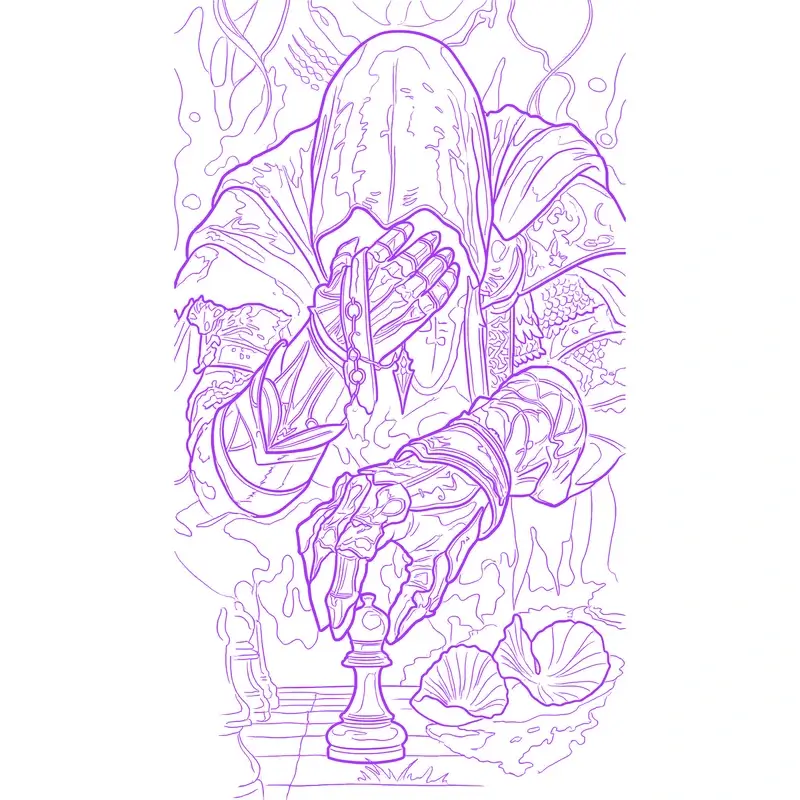
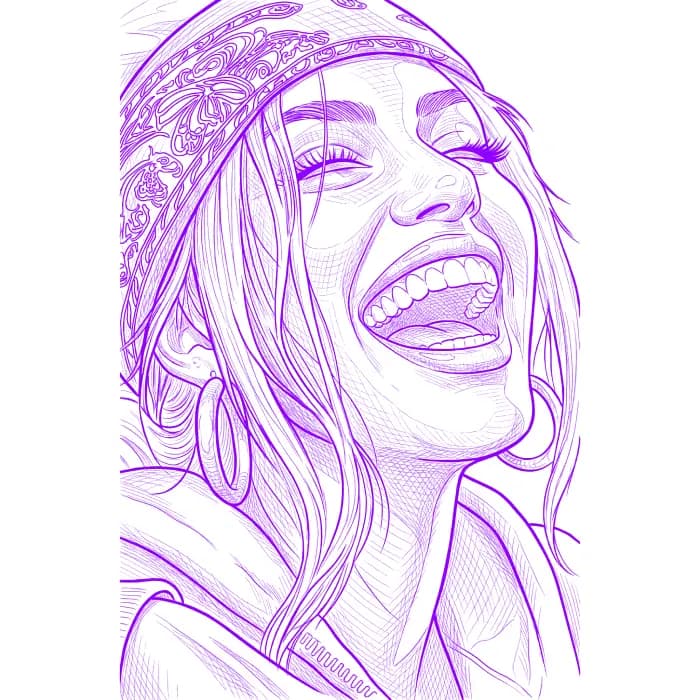
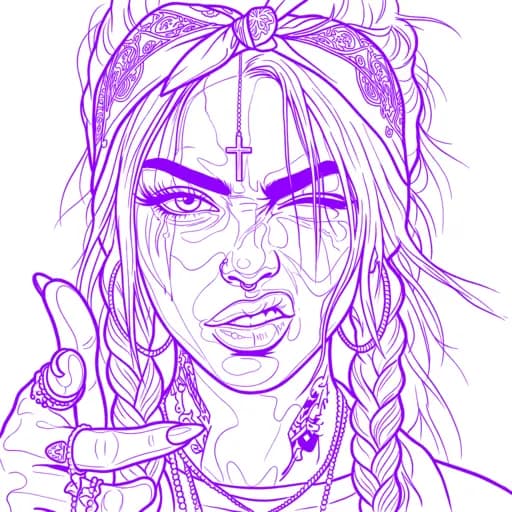
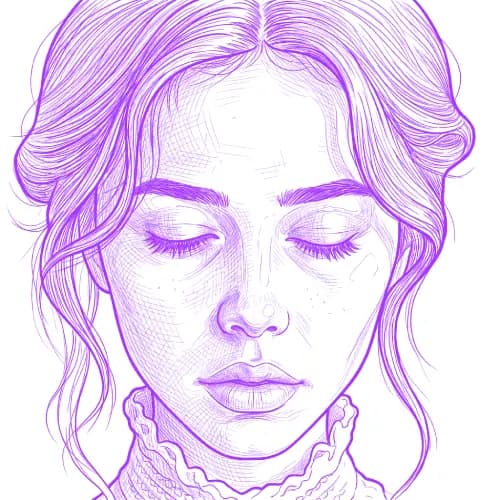
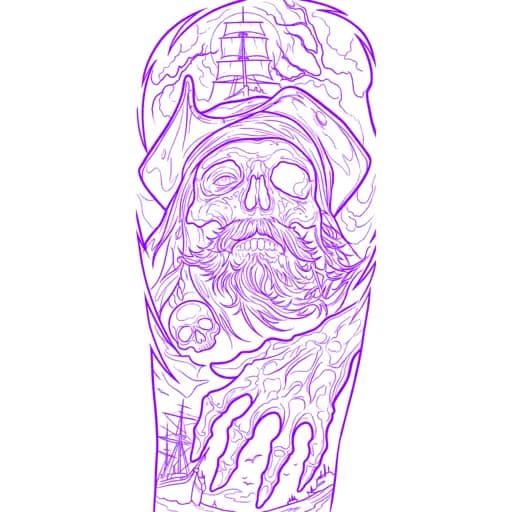
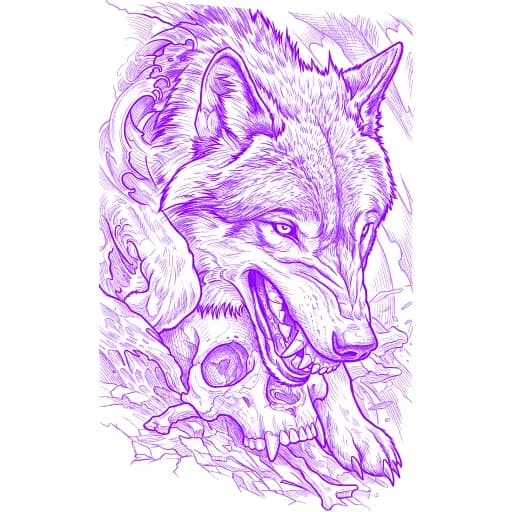
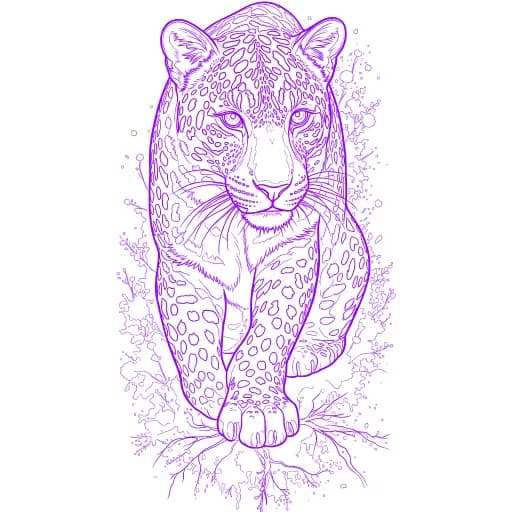
How it works
Transform any image into a professional tattoo stencil in seconds
1
Upload
Upload any reference—portraits, animals, nature, or custom artwork.
2
Choose Your Style
Select the preferred look for your stencil—from clean, simple outlines to advanced shading.
3
Print Your Stencil
Download a high-res file optimized for professional stencil results.
See Your Stencil Come to Life
Professional quality stencils that artists trust
Swipe to explore
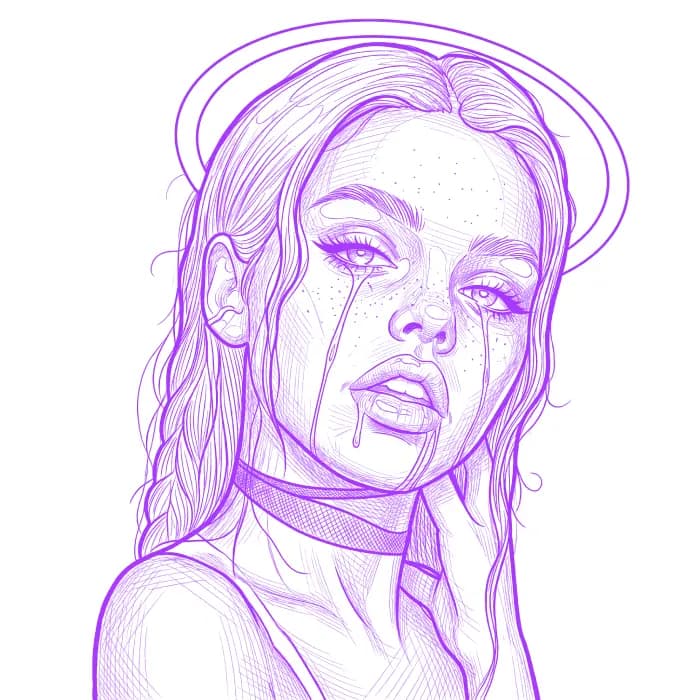
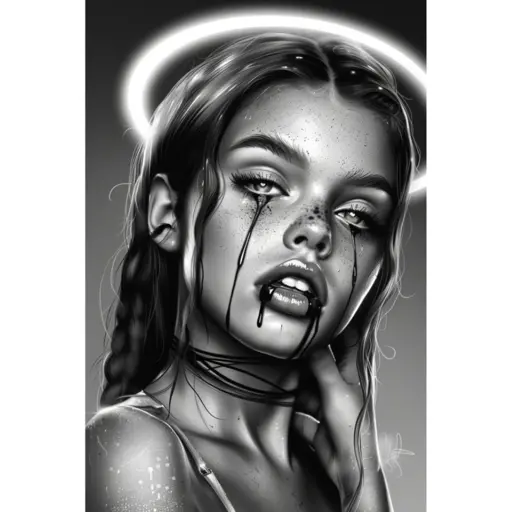
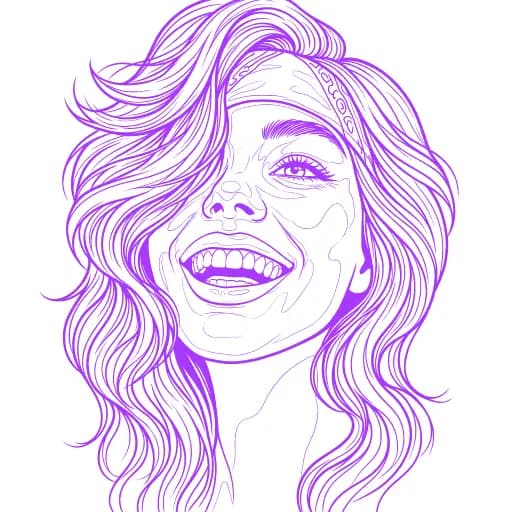
Portrait Details
Complex facial features preserved with clean, tattoo-ready line work


1,000+
Happy Artists
50K+
Stencils Created
4.9/5
Average Rating
Simple, transparent pricing
Choose the plan that fits your needs. Upgrade or downgrade at any time.
Hobby
For hobbyists / testing
$14.00/month
$0.7 per stencil
Get 2 months free
Billed as one payment of $140/year
20 stencil credits/month
Outline & Simple stencil styles only
Recolor stencil
Transparent background
Standard processing
Email support
Priority queue
Detailed style
4K upscale
Most Popular
Pro
Single professional artist
$29.00/month
$0.29 per stencil
Get 2 months free
Billed as one payment of $290/year
100 stencil credits/month
4K upscale included
All stencil styles (outlines, simple, detailed)
2 Professional Shading Styles
Recolor stencil
Transparent background
Priority queue
Early access to new features
Priority support
Team dashboard
Studio
Multi-artist shops
$69.00/month
$0.29 per stencil
Get 2 months free
Billed as one payment of $690/year
2 artists
Base (2) + 0 additional
120 stencil credits/month per artist
All Pro features
Fastest turnaround
Priority rendering
Seat-based billing
Team dashboard
Manage artists' access
+$25 per additional artist
* Cancel anytime.
How to Get Best Results
Follow these simple guidelines for perfect stencils every time
Swipe to explore
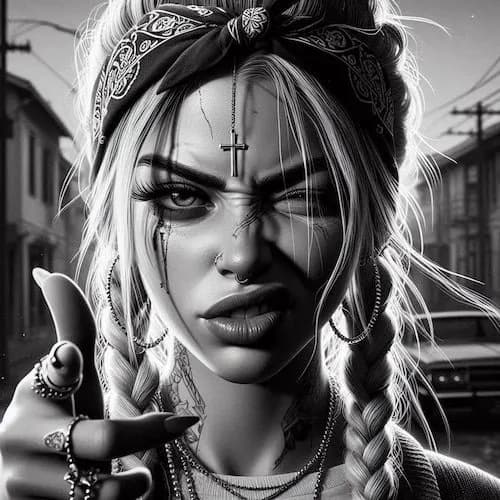
DO
- •High-resolution designs
- •Clear, sharp images
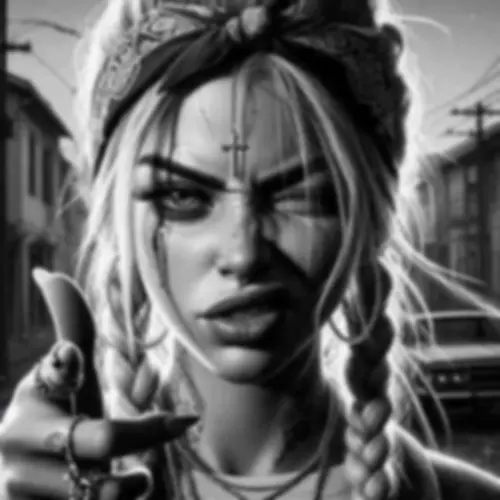
DON'T
- •Low-resolution designs
- •Blurry images
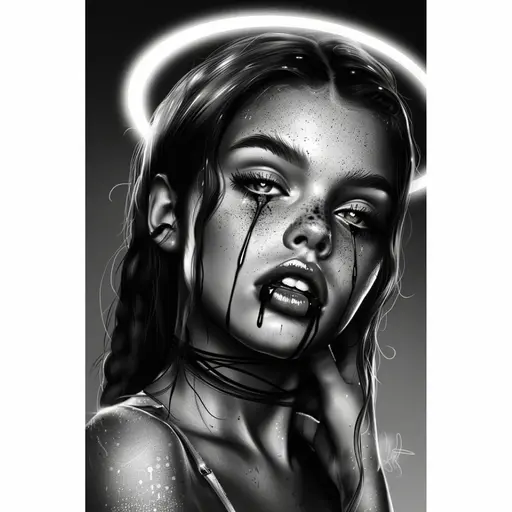
DO
- •Good contrast
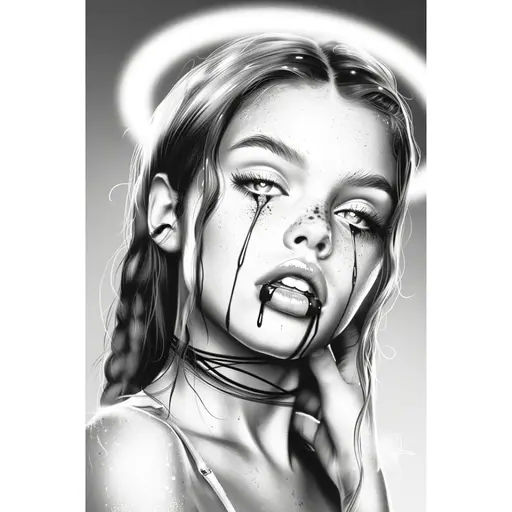
DON'T
- •Low contrast images
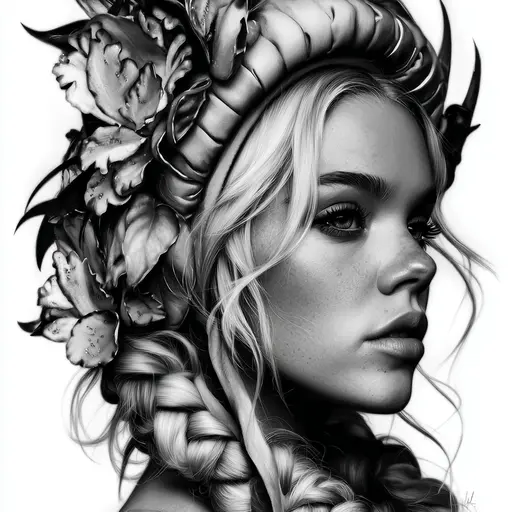
DO
- •Tightly cropped subjects
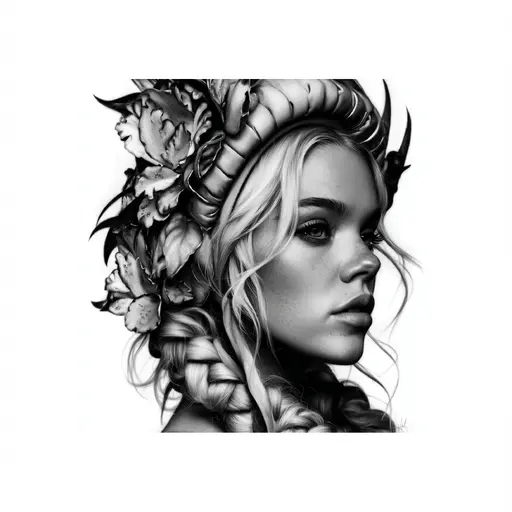
DON'T
- •Excessive empty space
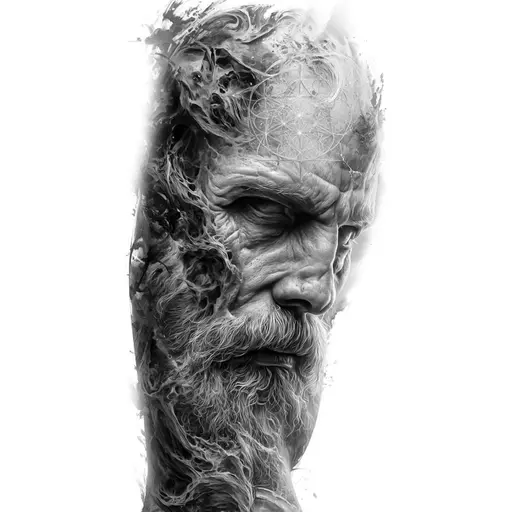
DO
- •Each part of the design clearly visible
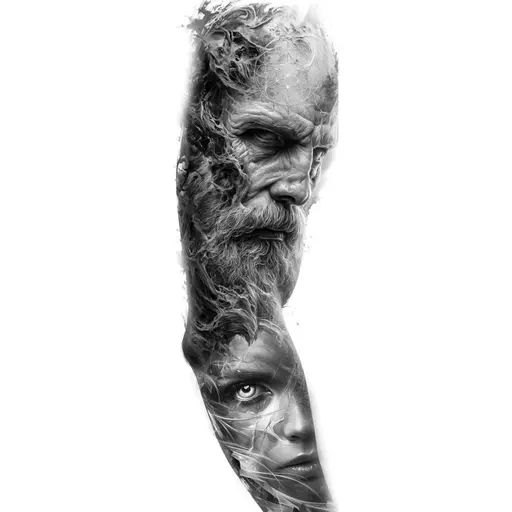
DON'T
- •Whole sleeve design
Meet the Team
Two passionate brothers dedicated to empowering artists with cutting-edge AI technology
Available on Mobile
Create stunning stencils anywhere, anytime. Download the app on iOS and Android.
Frequently asked questions
Everything you need to know about our AI stencil generator
Our advanced AI algorithms analyze your uploaded image and convert it into a high-quality tattoo stencil by enhancing contrast, removing backgrounds, and creating clean line art. The process takes between 30-60 seconds depending on the stencil style and maintains all important details while optimizing for tattoo application.
We support all major image formats including JPG, PNG, and WEBP. Our AI can process images up to 10MB in size and automatically optimizes them for the best stencil conversion results.
Exports are optimized for crisp, clean prints — 1024×1024 for 'Outline' and 'Simple' stencil styles, 2048×2048 for 'Detailed' stencil style, and upscalable to 4K.
Yes! New users can purchase a one-time starter pack of 5 credits for just $0.99. This lets you test all stencil styles and see the quality for yourself before committing to a subscription. The credits never expire, so you can use them at your own pace. After that, you can subscribe to a plan for ongoing access and monthly credits.
Yes! All paid plans include full commercial licensing, allowing you to use generated stencils for client work and commercial purposes.
Subscription management is split between our app and the Polar customer portal. For upgrades and downgrades, use our app's Settings page where you can directly change your plan. For cancellations, payment method updates, and other billing details, go to Settings > Billing > Subscription Management to access the Polar customer portal.
Invoices can be viewed and generated in Settings > Billing > Billing History & Invoices or through the customer portal.
When canceling, there are no fees, and you'll retain access until the end of your current billing period. Upgrades take effect immediately with prorated charges, while downgrades are scheduled for the end of your current billing period.
Yes! Active Pro plan subscribers and Studio members can purchase additional credit packs when running low on credits. The option to top up appears in Settings > Billing when your remaining credits drop below 10.
Purchased credits never expire and are used after your monthly subscription credits. This feature is available to engaged Pro and Studio users who regularly use the service and occasionally need a few extra credits to complete their work.
No, subscription credits reset at the start of each billing period and do not roll over. Any unused credits from your current billing cycle will expire when your subscription renews. This applies to all subscription plans (Hobby, Pro, and Studio).
If you need more flexibility, Pro and Studio plan users can purchase additional credit packs — these purchased credits never expire and are used after your monthly subscription credits are depleted.
We offer a 30-day money-back guarantee on all paid plans. If you're not completely satisfied with the stencil quality, contact our support team for a full refund. Most issues can be resolved by adjusting the processing settings.
Absolutely. All uploads are encrypted, processed securely in the cloud, and automatically deleted after 30 days. We never share, sell, or use your images for any purpose other than generating your stencils. GDPR and CCPA compliant.
You can delete your account from Settings > Profile > Show advanced options > Delete Account.
Deleting your account will permanently remove all your data including profile information, saved stencils, and preferences. Your active subscription will be cancelled immediately with no refund for the current period.
If you're a member of a studio, you'll be automatically removed. If you're a studio owner, your studio will be automatically deleted and all members will lose access.
Yes! Our AI offers 3 stencil styles — 'Outline', 'Simple', and 'Detailed' — so you can choose the right balance between simplicity and precision for your tattoo design.
Processing typically takes between 30-60 seconds per image, depending on the stencil style selected.
Our AI works with portraits, animals, objects, colorful artwork, and more. Hyperrealistic images are fully supported on the 'Detailed' stencil style for the most precise results.
Please note that images where the entire subject is a realistic face or a baby may fail to generate a stencil on 'Simple' stencil style due to current model limitations and safety/content filters. No stencil credit will be consumed if a conversion fails because of safety filters!
For the best results, use high-quality, well-lit images that focus on the main subject. Use original or public-domain content — copyrighted characters, fictional characters, celebrities, or images from movies will not work. This is to respect copyright laws and ensure all generated stencils are safe for commercial use.
Our web-based tool works on any modern browser, including Chrome, Firefox, Safari, and Edge, across desktop, laptop, tablet, and mobile devices.
For the cleanest stencils, use high-quality, well-lit images that are nicely cropped to focus on the main subject. High-contrast images work best.
If you're generating large designs, like full sleeves, avoid using the 'Detailed' stencil style for the entire piece, as small details may not translate well at the current resolution. Instead, generate each motif separately for the best results.
You can also experiment with our 3 stencil styles to find the style that works best for your tattoo design.
While our AI works hard to maintain accuracy, generated stencils may occasionally not align perfectly with the original image due to the nature of AI processing and artistic interpretation. Elements might shift slightly, and some details may be simplified or emphasized differently.
We strongly recommend carefully reviewing and verifying all generated stencils before use to ensure they meet your exact requirements and expectations. This is especially important for precise work or tattoos where exact placement matters.
Images that feature copyrighted or fictional characters, celebrities, or content from movies are not supported. These restrictions help ensure fair use, respect copyright laws, and maintain safety and quality standards. If a conversion fails because of safety filters, no stencil credit will be consumed.
With a Studio plan, stencil credits are assigned per artist rather than to your main account. These credits are distributed through the studio, where managers can allocate them to artists.
Each artist you invite receives their own monthly stencil credit allocation based on your plan. For example, the Studio plan includes 120 stencil credits per artist and you have 3 active artists, each artist will have 120 stencil credits to use independently.
Pending invitations are shown separately, and their credits become active once the invitation is accepted. The studio owner can view all artists' usage in the My Studio dashboard.
Only the Studio owner (the account that purchased the Studio plan) can fully manage the studio. The owner can invite or remove artists, view usage statistics, update the studio name, and access billing settings.
Regular artists can use their allocated stencil credits to generate stencils and view the studio dashboard, but they cannot manage other artists or change studio settings. Artists can also leave the studio at any time from the My Studio page.
You can upgrade your Studio plan at any time to add more artists through the billing portal in Settings. Upgrades take effect immediately.
If you're downgrading from a Studio plan to a Hobby or Pro plan, note that all artists will lose access to Studio features. Before reducing your seat count within the same Studio plan, you must remove artists to match your new seat limit first.
If your studio has more assigned artists than your plan allows, access to the Studio will be temporarily locked until the issue is resolved. This can be fixed by removing artists or upgrading your plan.
Upgrades and downgrades are handled differently.
For upgrades, the change takes effect immediately and you'll only pay the prorated difference for the remaining time in your current billing period. You're charged extra right away for the upgraded features.
For downgrades, your current subscription remains active until the end of your billing period, and the downgrade takes effect at the start of the next billing cycle. This means you keep full access to your current plan features until your paid period ends. No refunds are issued for downgrades since you retain access until your next renewal date.
Still have questions?
Can't find the answer you're looking for? Please chat with our support team.
Contact Support